
2022-06-01
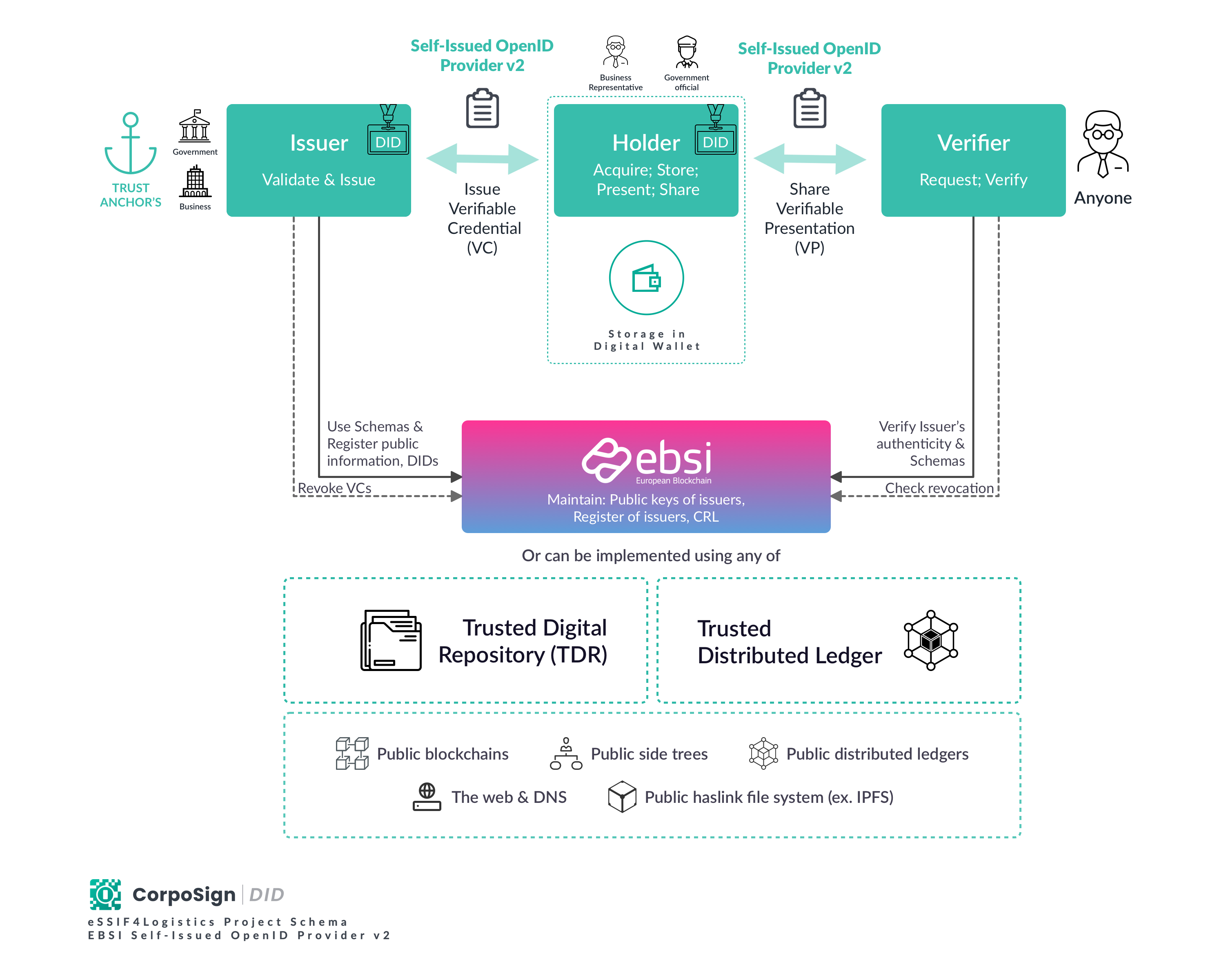
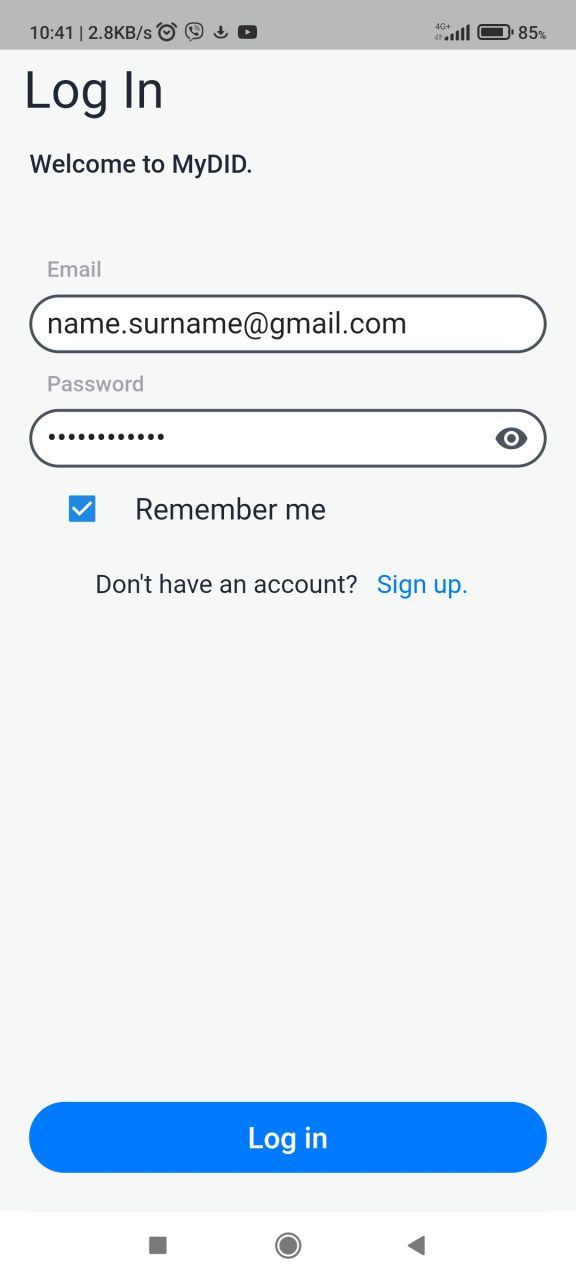
Contact your administrator to obtain user logins.
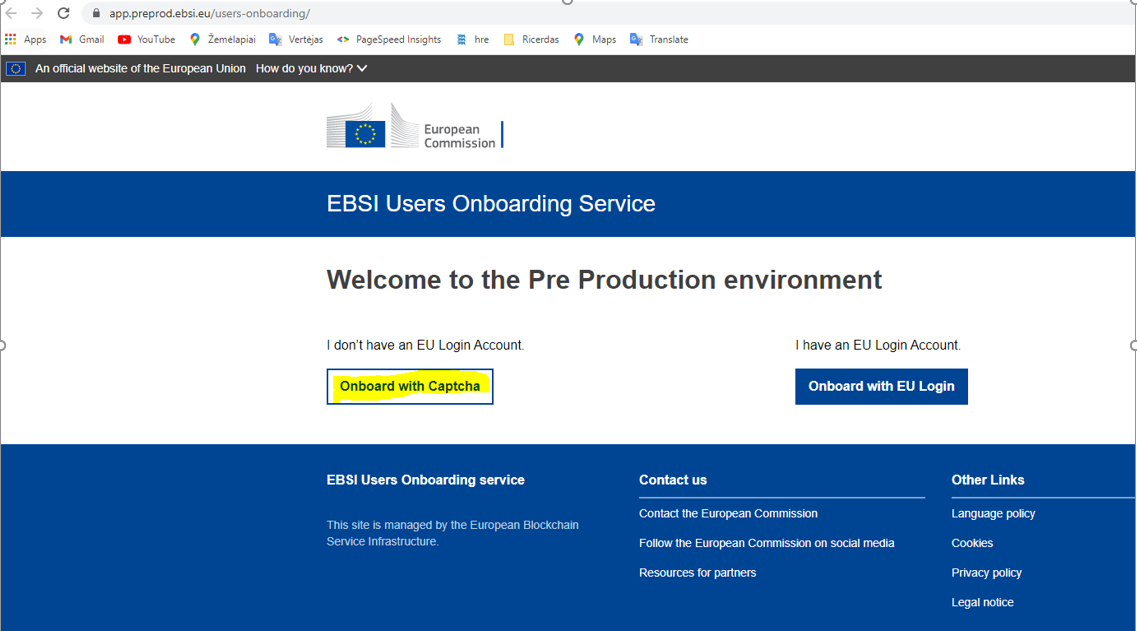
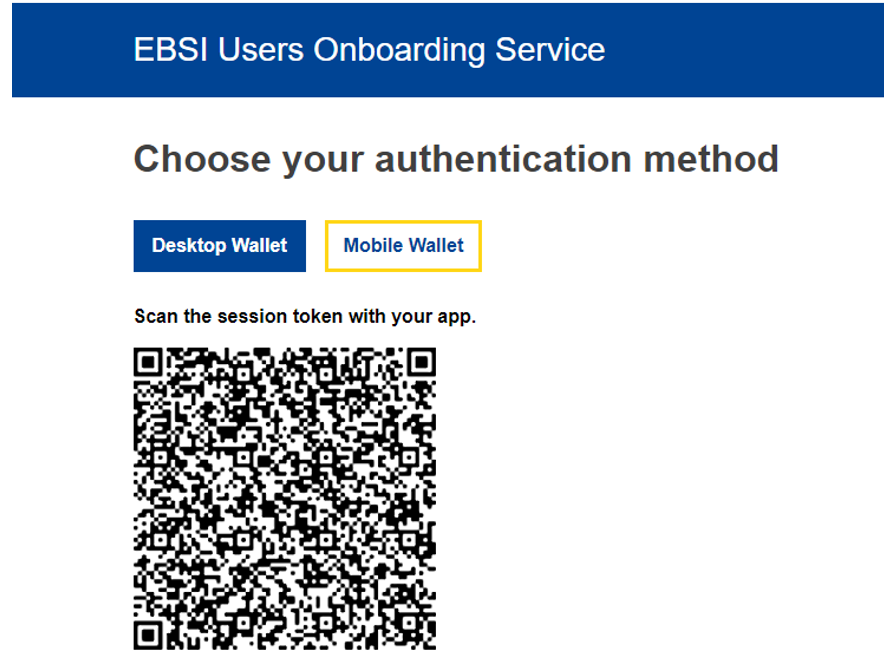
push onboard with captha:
go to Mobile Wallet:
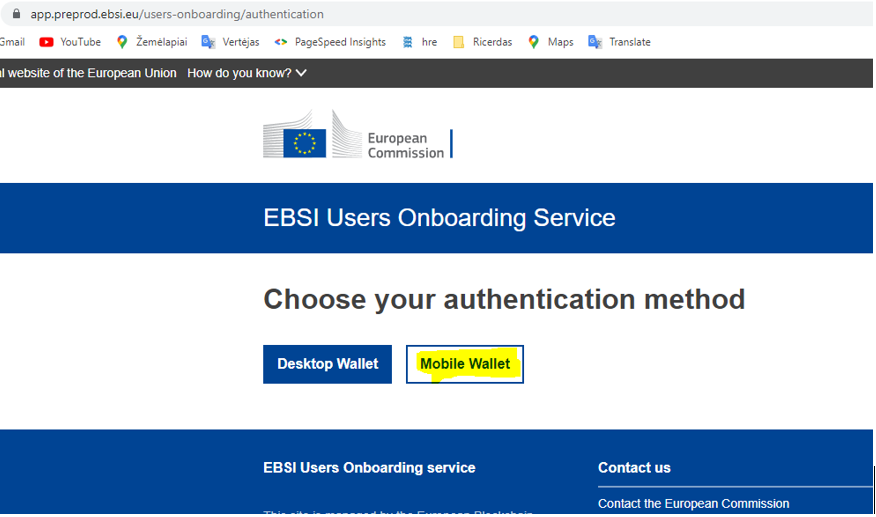
then we get QR code:
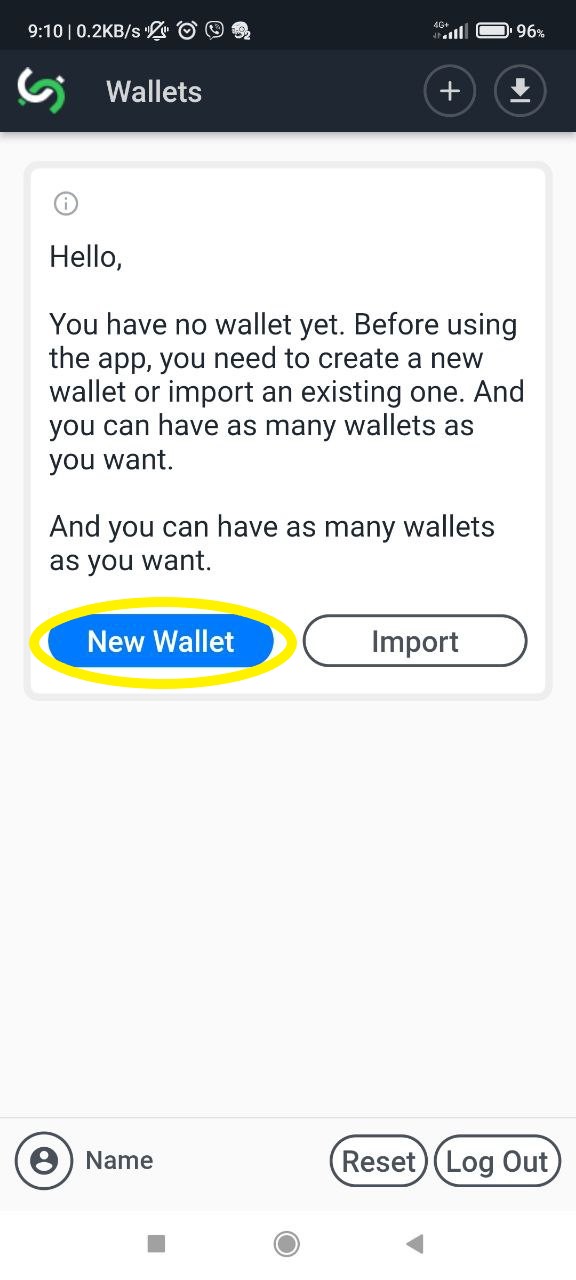
Next, open the CorpoSign DID app on your phone and go to New Wallet:
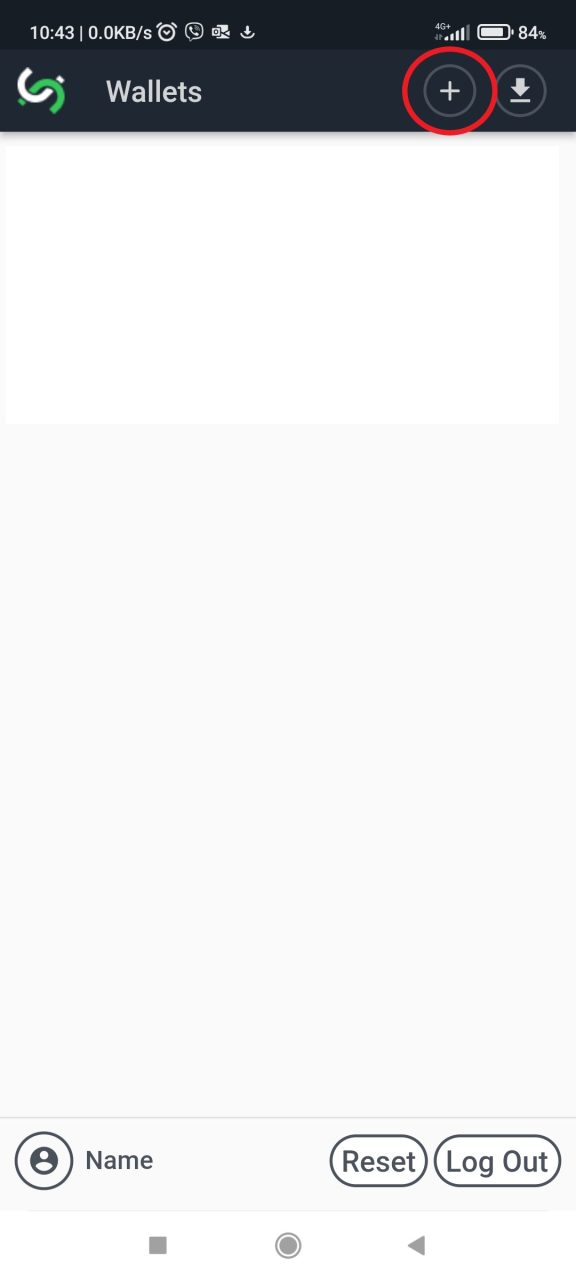
Write Wallet Name and Create New Wallet.
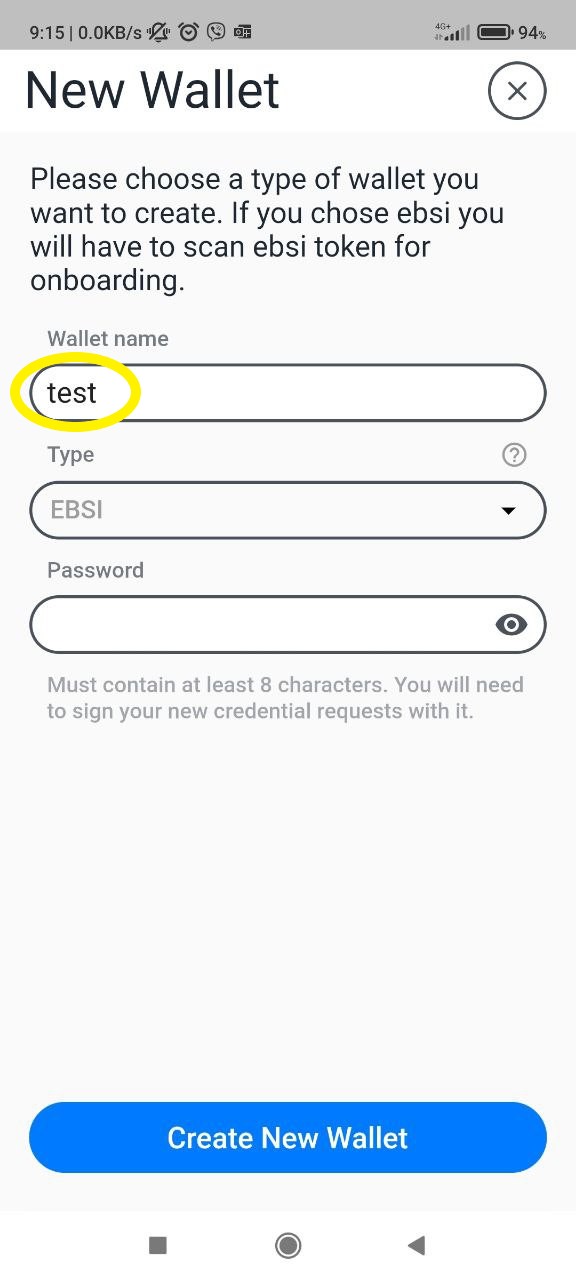

We provide access to these credential type to people who have a wallet:
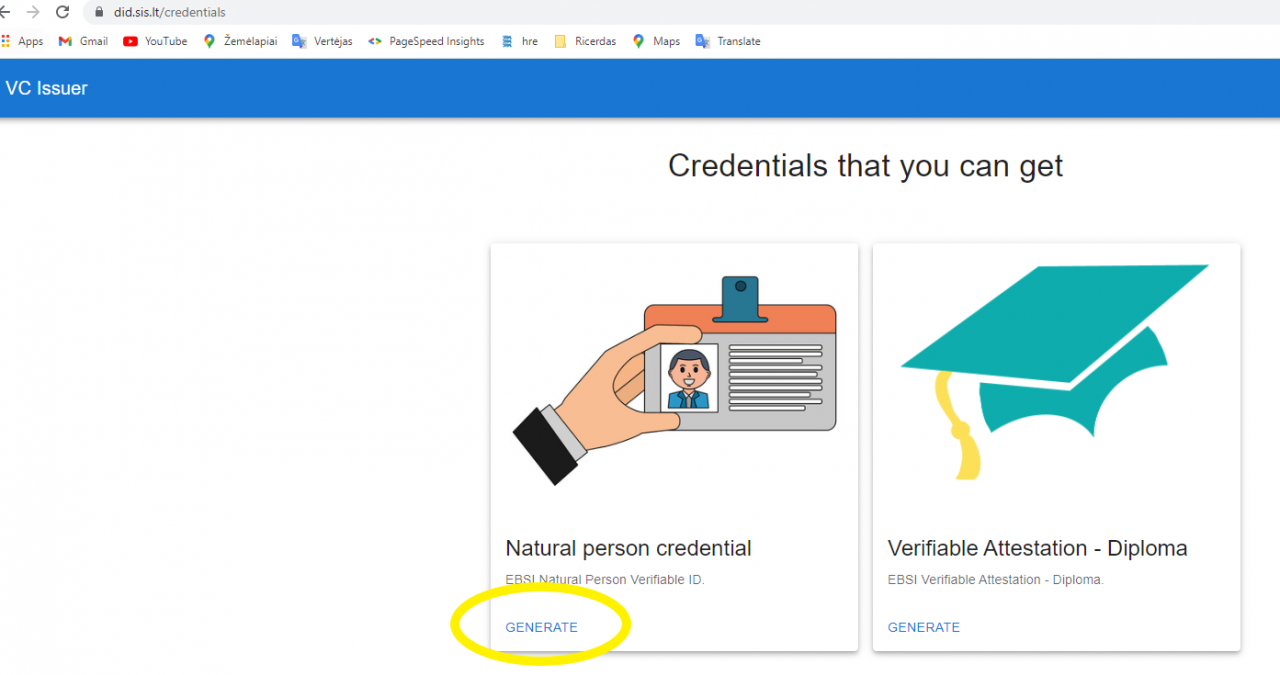
Go to Link, select the credential you require, and click Generate:
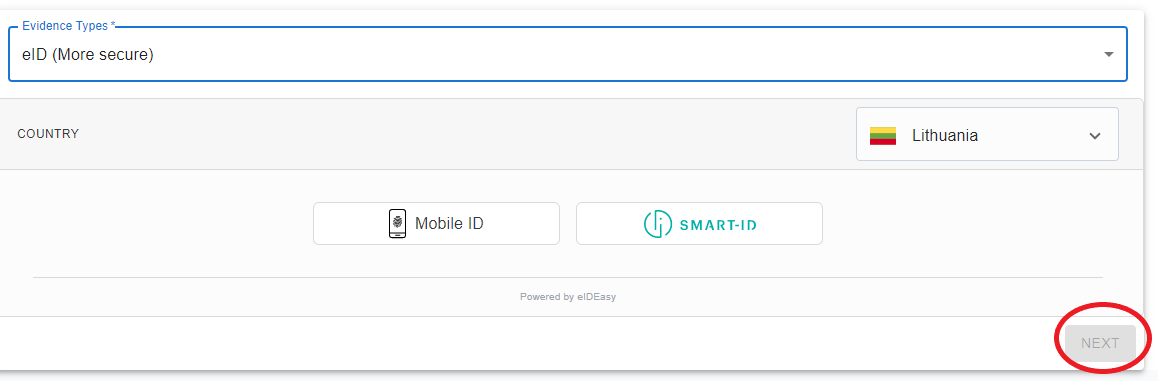
Choice enwidece type and click NEXT:
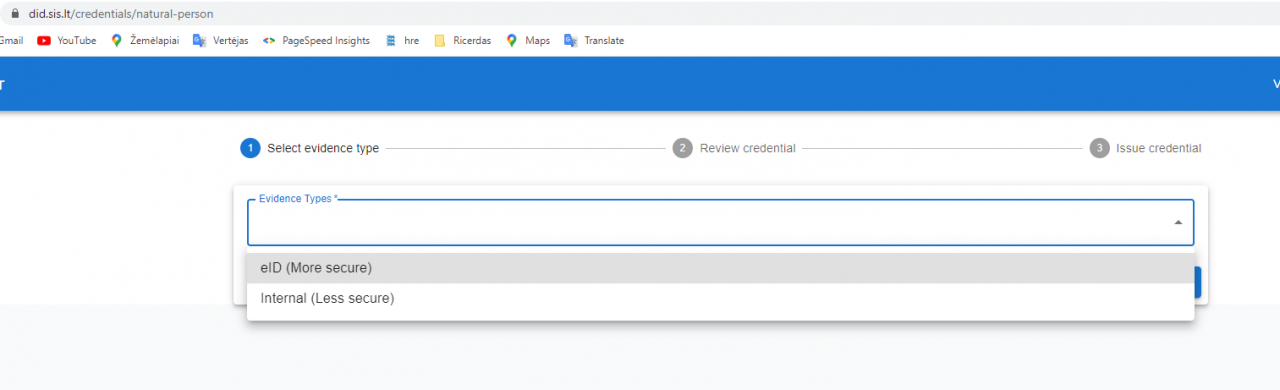
a) eID evidence
b) internal evidence type
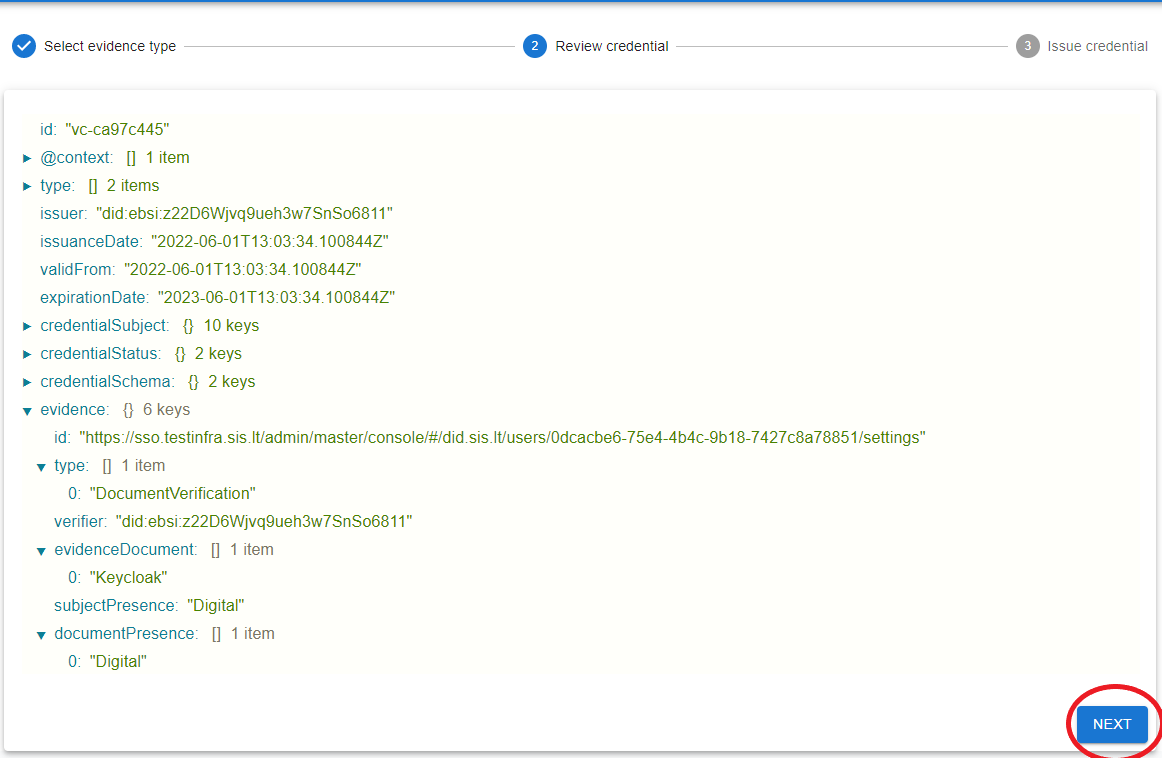
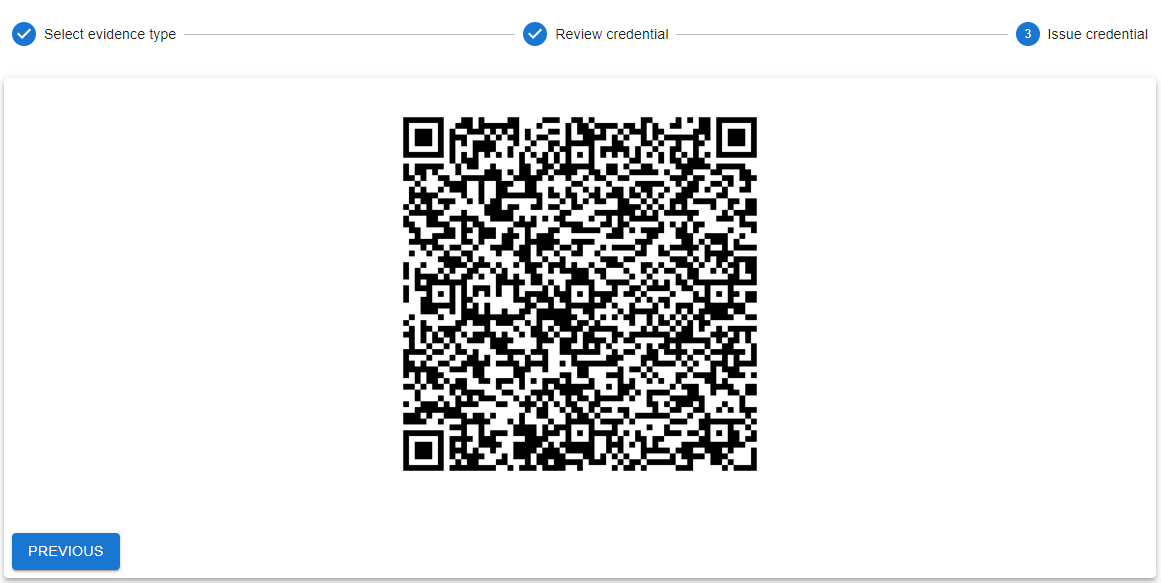
Get QR code:
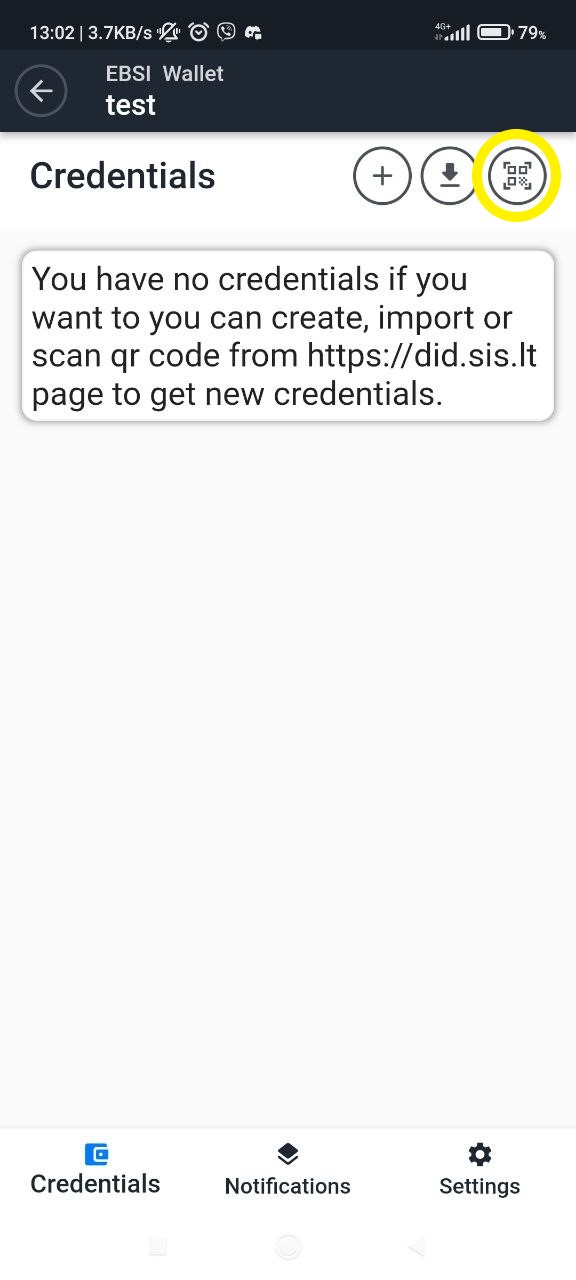
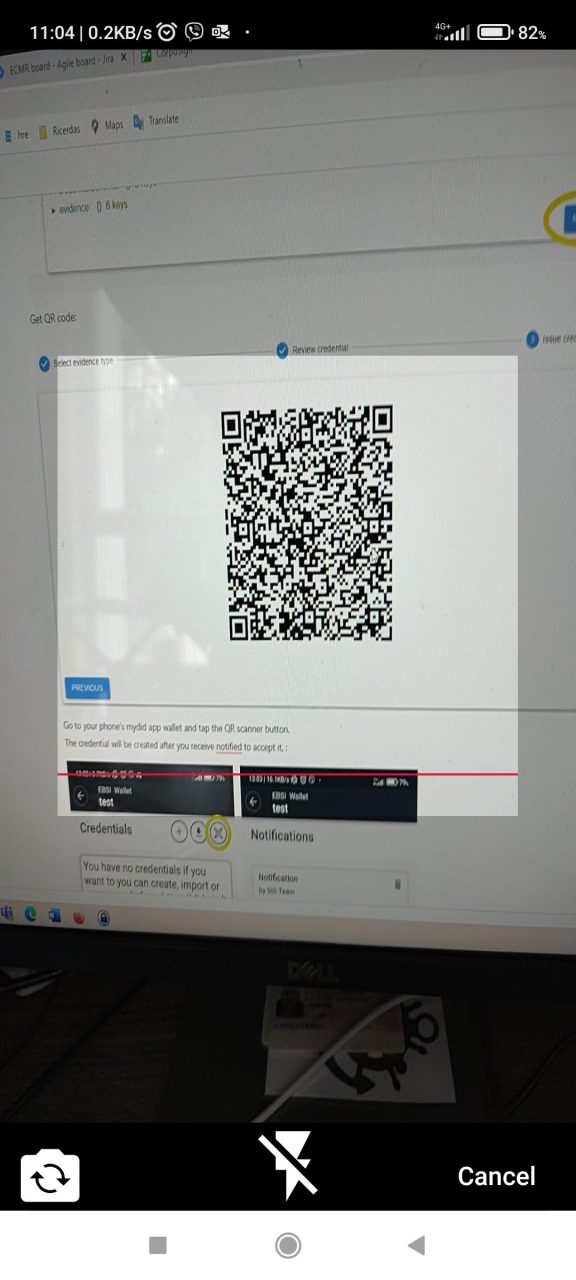
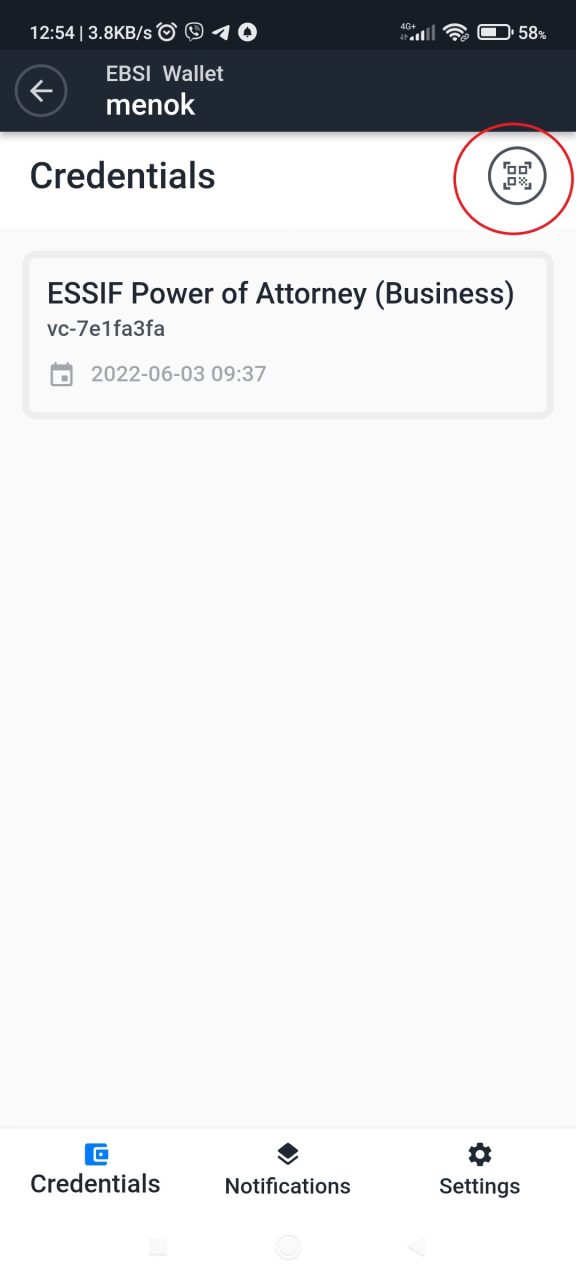
Go to your phone's CorpoSign DID app wallet and tap the QR scanner button.
The credential will be created after you receive notified to accept it. :
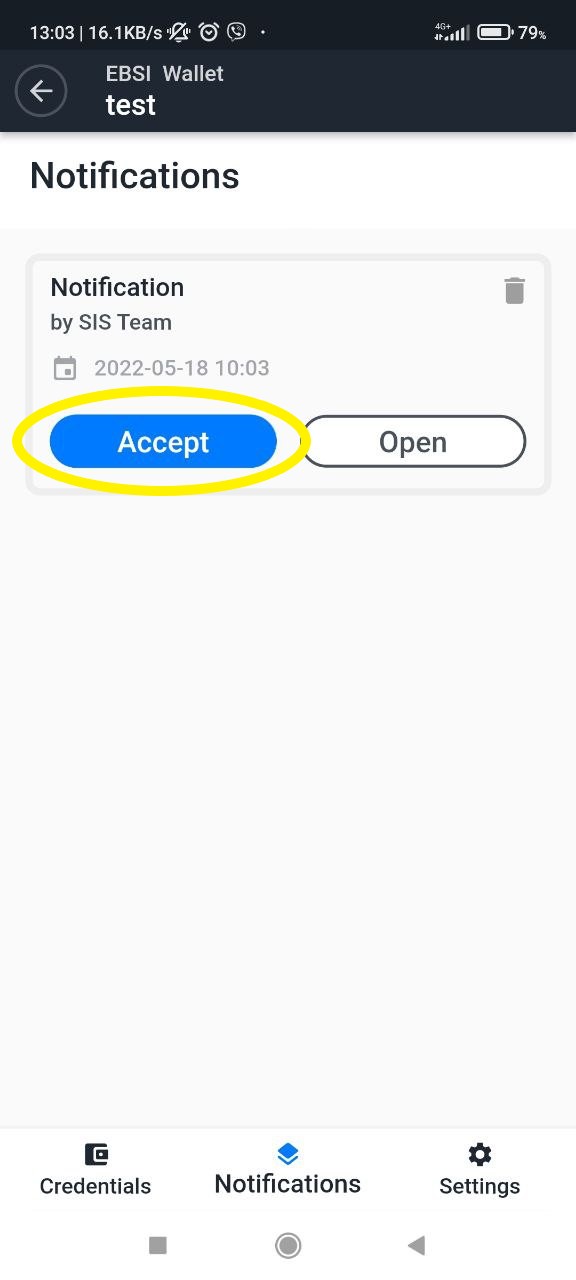
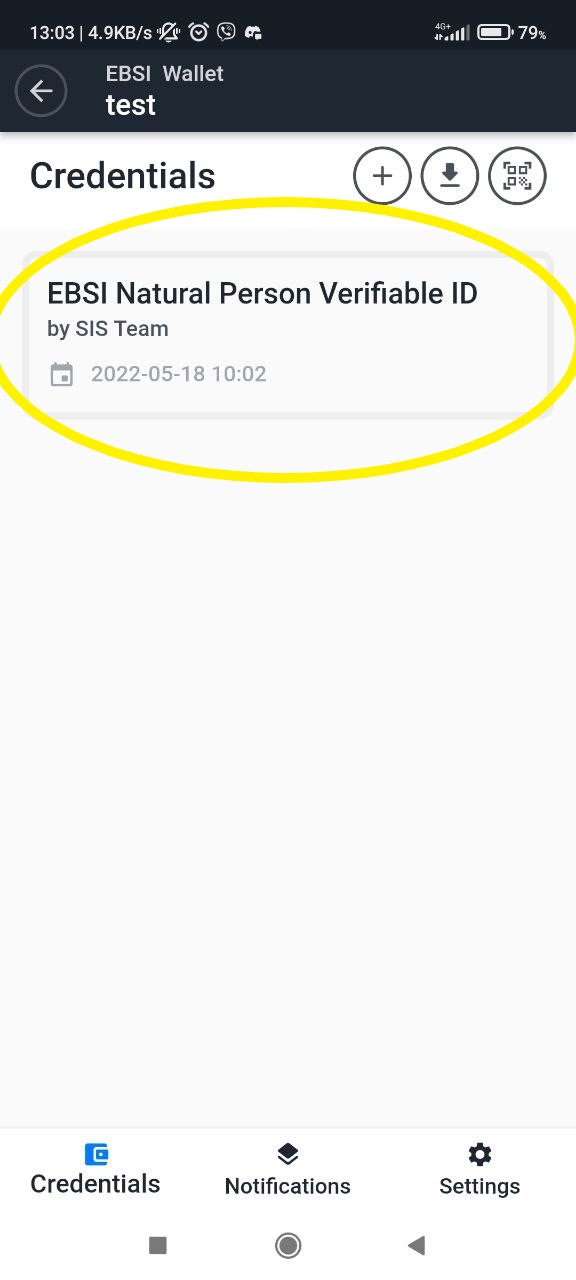
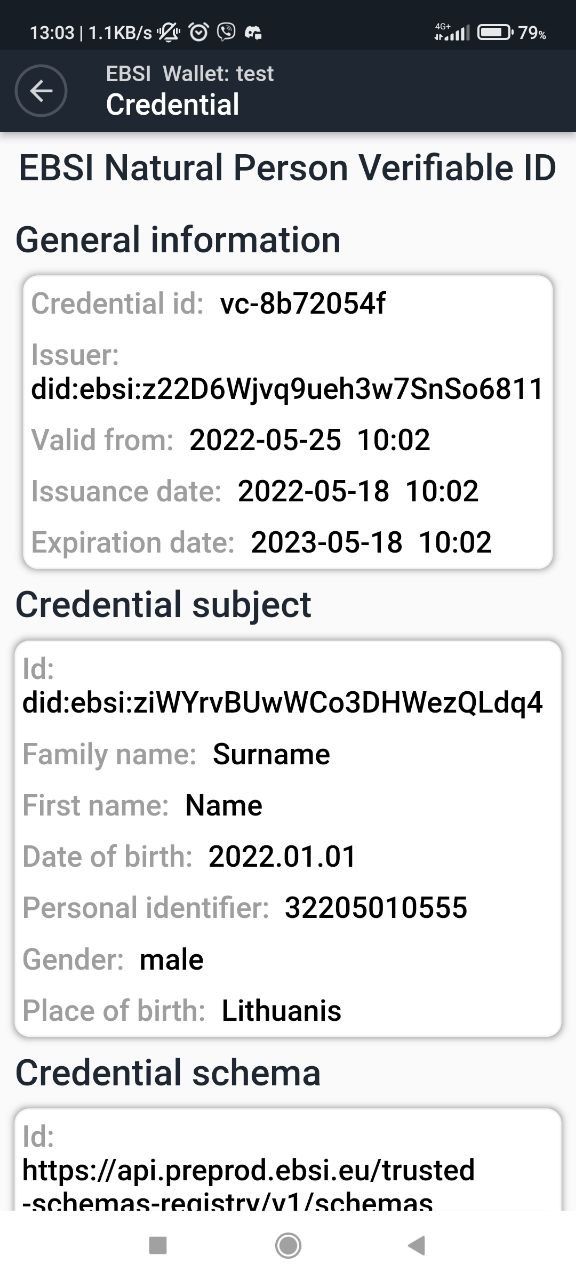
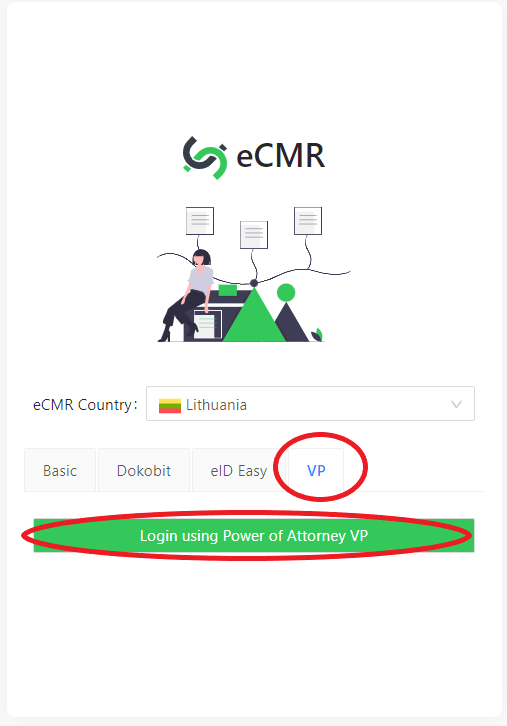
Go to https://ecmr.dev.cloud.chainrecord.net/ , "VP" and press "Login using Power of Attorney VP"
Get QR code :
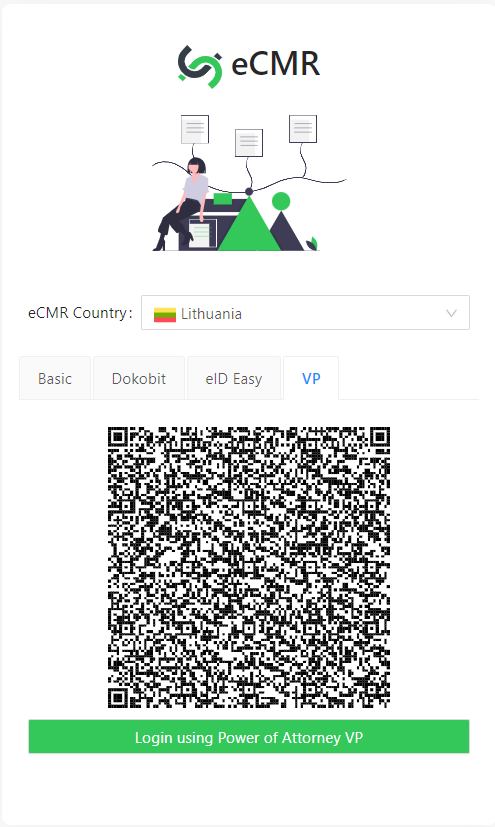
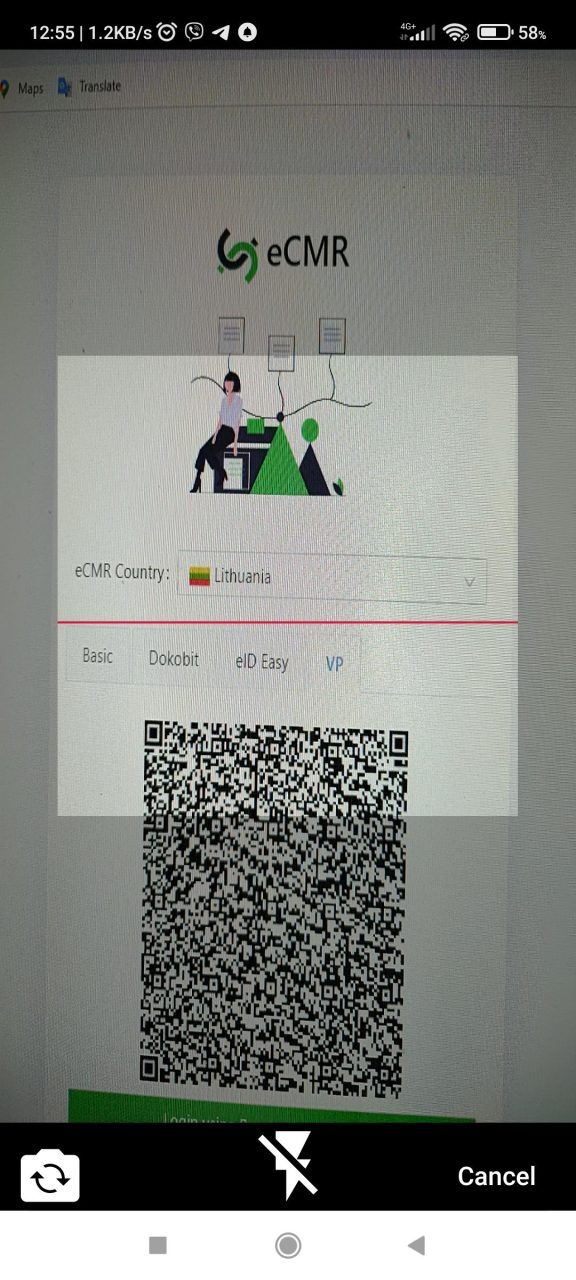
Using your mobile wallet, scan the QR code.
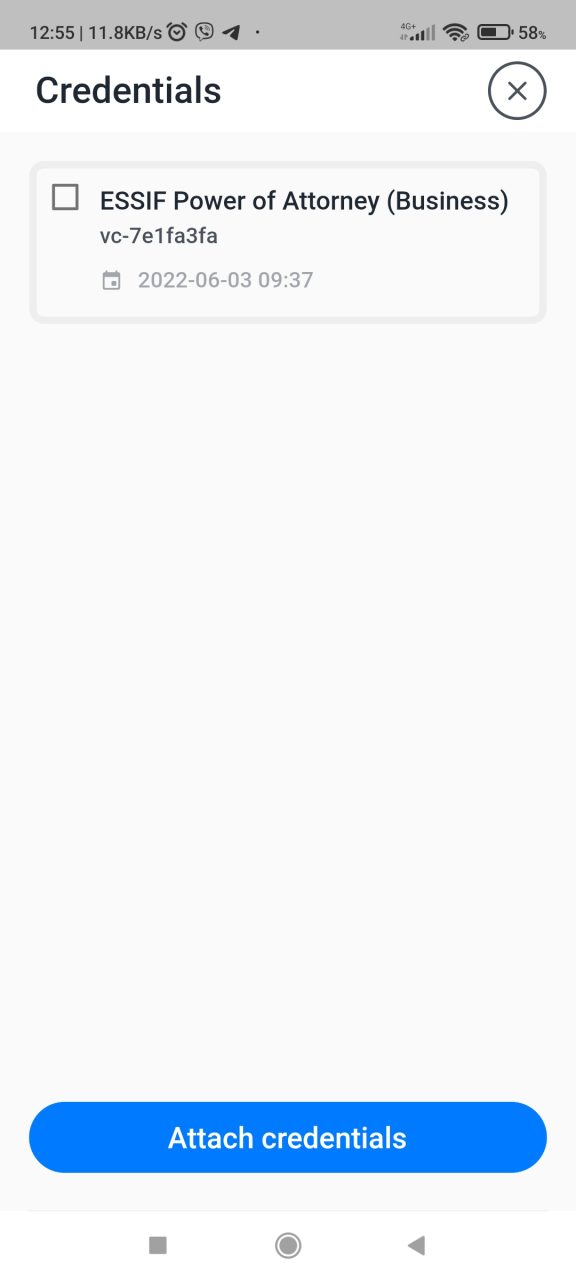
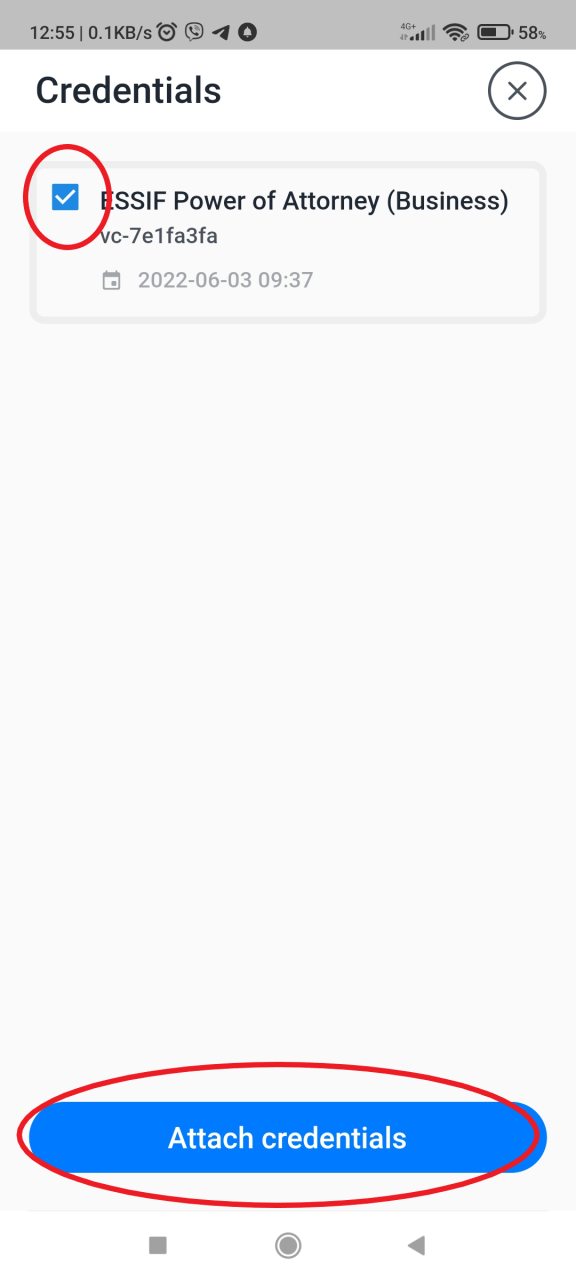
Attach credentials:
request credentials:
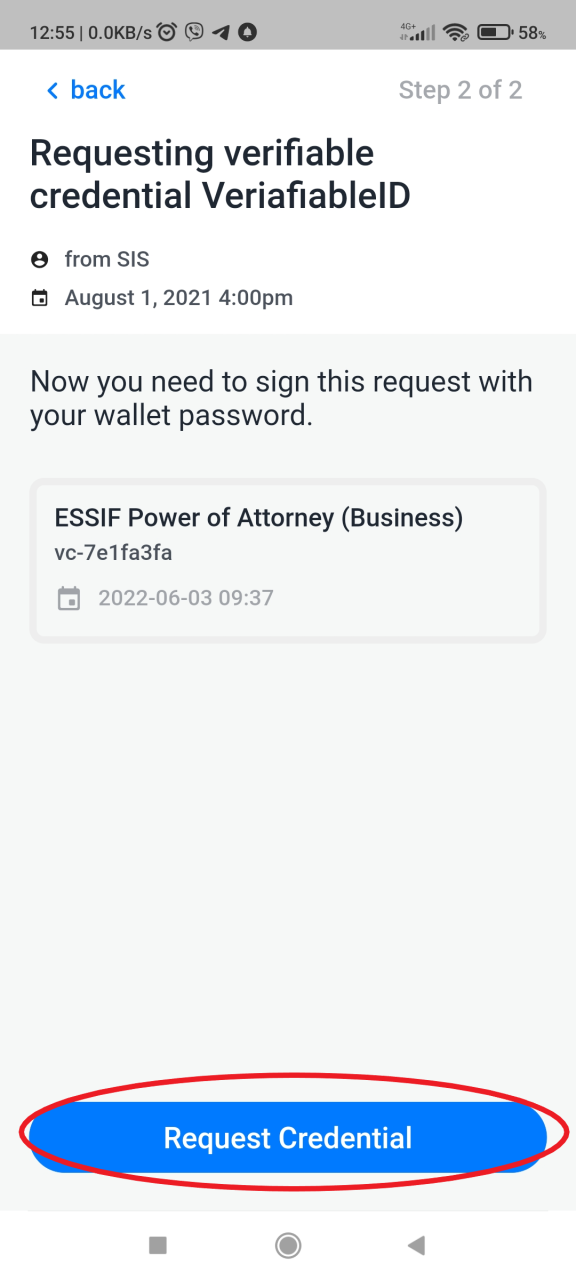
Then you'll be assigned to serve